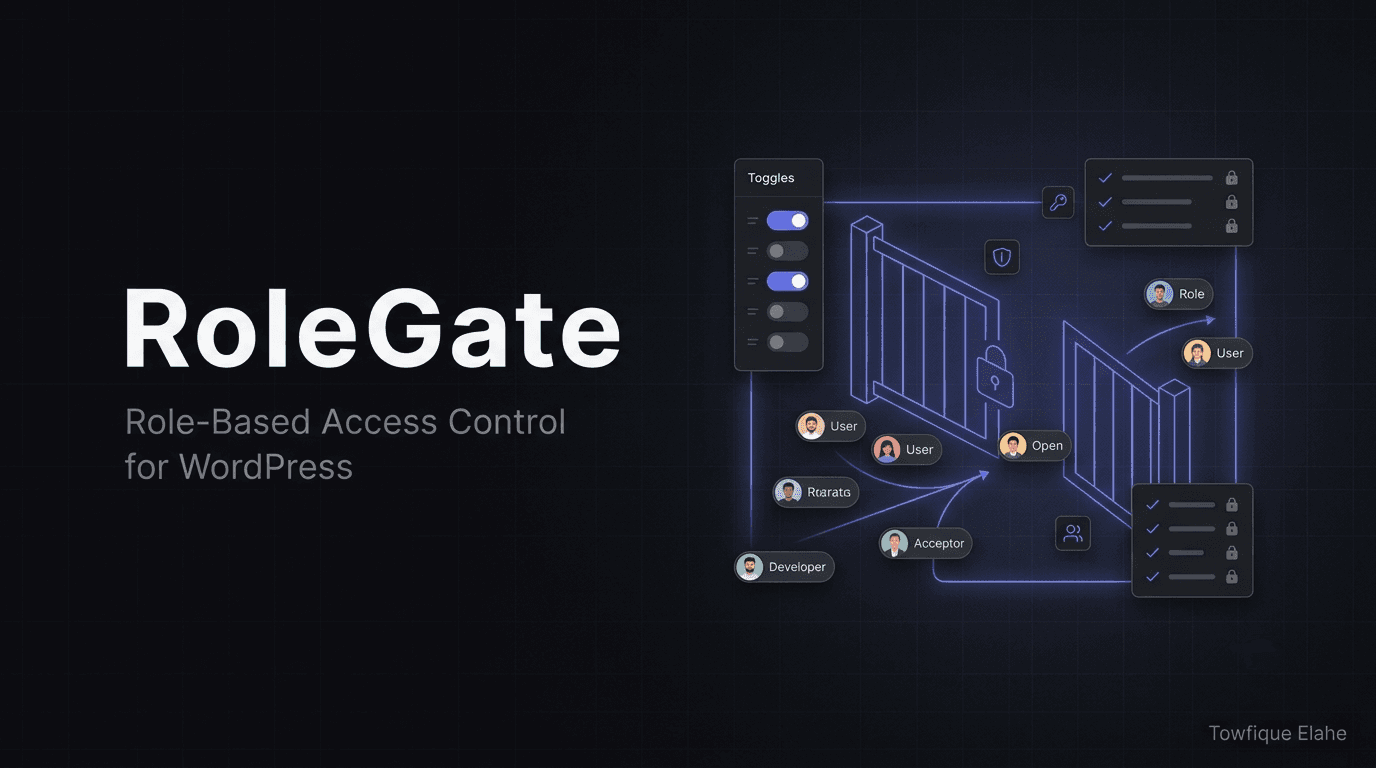
RoleGate - Role-Based Access Control for WordPress
Precise, fail-safe role-based access control for WordPress—gate admin pages, grant or revoke any capability per role, manage roles, and audit every change, all without risking a lockout
A role-based access control plugin giving WordPress administrators precise control over what each user role can see and do in the admin. Gate admin menu pages (hidden and blocked when unchecked), grant or revoke any capability per role—including plugin-registered ones from WooCommerce, Gravity Forms, Yoast, ACF, and Elementor, all auto-detected from your live site. Includes one-click capability presets, copy-between-roles, custom role creation/cloning/renaming, JSON export/import for backup and migration, and a full audit log recording every change with user and timestamp. Built to fail safe: administrators can never lock themselves out. Requires WordPress 5.5+, PHP 7.4+.
Overview
RoleGate is a role-based access control plugin that gives WordPress administrators precise control over what each user role can see and do in the admin area. Gate admin menu pages, grant or revoke any capability per role, and manage roles—all through a clean, modern interface. Every change is recorded in an audit log, and administrators can never lock themselves out. RoleGate turns WordPress's coarse permission system into a precise, safe, and auditable access control layer.
The Problem
WordPress's built-in role system is powerful but blunt, creating real challenges for site owners and agencies:
- Default roles (Editor, Author, Contributor) can't be fine-tuned without code or clunky capability plugins
- Clients and staff see admin menu pages they shouldn't access, causing confusion and support requests
- Plugins like WooCommerce, Gravity Forms, and Yoast add their own capabilities that are hard to manage
- Editing capabilities via code risks locking yourself out of the admin
- There's no record of who changed what permissions and when
- Migrating access configurations between sites means repeating tedious manual setup
Administrators need a safe, visual way to control exactly what each role can access—without touching code or risking a lockout.
Solution
RoleGate provides precise, visual, fail-safe access control for WordPress. Choose exactly which admin pages each role reaches, toggle any capability (including plugin-registered ones auto-detected from your live site), manage custom roles, and track every change in an audit log—all while administrators retain guaranteed, unrestricted access.
Core capabilities:
- Page access control — Choose exactly which admin menu pages each role can reach
- Capability management — Grant or revoke any capability per role, including plugin-registered ones
- Capability presets — Apply common capability sets in one click
- Copy between roles — Duplicate one role's page permissions to another
- Custom role management — Create, clone, rename, and delete roles safely
- Export / Import — Back up or migrate configurations as JSON
- Audit log — Every change recorded with user and timestamp
- Admin-safe design — Administrators can never lock themselves out
How It Works
Administrator Workflow
- Open RoleGate — Launch from the WordPress admin sidebar
- Select a role — Choose the user role you want to configure
- Gate pages — Check exactly which admin menu pages the role can access; unchecked pages are hidden and blocked
- Set capabilities — Grant or revoke individual capabilities, or apply a preset in one click
- Copy or clone — Duplicate permissions to another role, or create new custom roles
- Save changes — Every change is logged automatically with your name and a timestamp
- Export config — Back up your setup or migrate it to another site as JSON
What Users Experience
- Cleaner admin — Users only see the menu pages relevant to their role
- Blocked direct access — Attempting to reach a gated page directly is denied
- Appropriate capabilities — Users can only perform actions their role permits
- No confusion — A focused, uncluttered admin experience reduces mistakes and support tickets
Key Features
Access Control
- Page Access — Choose exactly which admin menu pages each role can reach. Unchecked pages are hidden from the menu and blocked on direct access
- Capabilities — Grant or revoke any capability per role, including those registered by plugins like WooCommerce, Gravity Forms, Yoast, ACF, and Elementor. Capabilities are auto-detected from the live site
- Presets — Apply common capability sets (Editor, Author, Contributor, Subscriber, Shop Manager) in one click
- Copy between roles — Duplicate one role's page permissions to another
Role Management
- Custom roles — Create new roles, optionally cloning an existing role's capabilities
- Rename & delete — Rename any role or delete custom roles. Deleting a role safely reassigns its users to Subscriber
Tools & Safety
- Export / Import — Back up or migrate your configuration as JSON
- Audit Log — Every change is recorded with the user and timestamp
- Admin-safe — Administrators always retain full, unrestricted access and cannot lock themselves out
Feature Breakdown
| Capability | What It Does |
|---|---|
| Page Access | Hide and block admin menu pages per role |
| Capability toggles | Grant/revoke any capability, including plugin-registered ones |
| Presets | One-click application of common capability sets |
| Copy between roles | Duplicate page permissions from one role to another |
| Custom roles | Create, clone, rename, delete roles |
| Export / Import | JSON backup and cross-site migration |
| Audit Log | Track every change with user and timestamp |
| Admin-safe | Guaranteed no-lockout protection for admins |
Use Cases
- Client-facing sites — Agencies restrict client admins to only the pages they need, hiding advanced settings
- Editorial teams — Give writers and editors focused access without exposing plugin or theme settings
- E-commerce stores — Fine-tune Shop Manager and staff access to WooCommerce features
- Membership sites — Create custom roles with precisely scoped capabilities
- Multi-author blogs — Control who can publish, edit others' posts, or manage categories
- Enterprise WordPress — Enforce least-privilege access and maintain an audit trail for compliance
- Freelancer handoffs — Give clients safe, limited admin access after project delivery
- Staging-to-production — Export access config from staging and import to production
Technical Specifications
- WordPress minimum: 5.5
- PHP minimum: 7.4
- Required role: Administrator (to configure access)
- Capability detection: Auto-detected from the live site, including plugin capabilities
- Plugin compatibility: WooCommerce, Gravity Forms, Yoast, ACF, Elementor, and any capability-registering plugin
- Architecture: Class-based (Access Control, Admin), clean asset separation
- Config portability: JSON export/import
- Audit trail: Per-change logging with user and timestamp
- License: GPL-2.0+
- Version: 1.0.0
Security & Safety
RoleGate is built to fail safe. Administrators are never restricted, and a role with no pages selected keeps unrestricted access—so nobody gets locked out by accident.
- Admins are never gated — Full, unrestricted access is always preserved
- Safe defaults — Roles with no explicit configuration are not restricted
- Auditable — Every configuration change is logged with the responsible user and timestamp
- Safe role deletion — Deleting a role reassigns its users to Subscriber rather than orphaning them
Installation & Setup
Step 1: Install Plugin
- Upload the rolegate folder to /wp-content/plugins/
- Activate RoleGate through the Plugins menu
- Open RoleGate from the admin sidebar
Step 2: Configure Page Access
- Select a role to configure
- Check the admin menu pages the role should access
- Unchecked pages are automatically hidden and blocked
Step 3: Set Capabilities
- Grant or revoke individual capabilities, or apply a preset
- Use presets (Editor, Author, Contributor, Subscriber, Shop Manager) for quick setup
- Save changes—automatically logged
Step 4: Manage Roles (Optional)
- Create custom roles, optionally cloning existing capabilities
- Rename or delete roles as needed
- Copy page permissions between roles to save time
Step 5: Back Up Your Config
- Export your configuration as JSON
- Store the backup or import it into another site
- Review the audit log to verify changes
Real-World Applications
- Web agency — Restricts every client's admin to a curated set of pages, cutting "where do I find X" support tickets dramatically and preventing accidental setting changes
- Online magazine — Editors and writers see only content-related menus; plugin and theme settings are hidden, keeping the workflow focused
- WooCommerce store — Shop staff get precise access to orders and products without exposing payment or store configuration
- Membership platform — Custom roles with tightly scoped capabilities control what each tier of user can do
- Enterprise site — Compliance team relies on the audit log to track every permission change over time
Why Choose RoleGate
| Feature | RoleGate | Default WordPress | Code-based changes | Other role plugins |
|---|---|---|---|---|
| Page-level gating | ✓ Visual | ✗ | Complex | Some |
| Auto-detect plugin capabilities | ✓ Yes | ✗ | Manual | Varies |
| No-lockout safety | ✓ Guaranteed | N/A | ✗ Risky | Varies |
| Audit log | ✓ Built-in | ✗ | ✗ | Rare |
| Export / Import | ✓ JSON | ✗ | ✗ | Some |
| Presets | ✓ One-click | ✗ | ✗ | Some |
| Cost | Free | Free | Dev time | Often premium |
Best Practices
- Start with presets — Apply a preset close to your needs, then fine-tune individual capabilities
- Follow least privilege — Grant only the pages and capabilities each role genuinely needs
- Test with a spare account — Log in as a non-admin test user to confirm the experience
- Export before big changes — Keep a JSON backup so you can roll back easily
- Review the audit log — Periodically check who changed what, especially on team sites
- Use copy between roles — Save time when several roles share similar page access
Plugin Highlights
Precise Control
- Page-level and capability-level control per role
- Auto-detects plugin capabilities from your live site
- One-click presets for common setups
Fail-Safe by Design
- Administrators can never be locked out
- Safe defaults for unconfigured roles
- Safe role deletion reassigns users
Manageable & Auditable
- Full audit log of every change
- JSON export/import for backup and migration
- Clean, modern interface—no code required
Repository Information
- Repository: github.com/towfique-elahe/rolegate
- License: GPL-2.0+
- Current version: 1.0.0
- Author: Towfique Elahe
- Author website: https://towfiqueelahe.com
- Status: Production-ready, initial release
What Users Say
- "Finally I can hand clients a clean admin with only what they need. RoleGate cut our support tickets in half." — Agency Owner
- "The no-lockout guarantee gave me the confidence to actually configure roles instead of being afraid of breaking access." — Site Administrator
- "Auto-detecting WooCommerce and Elementor capabilities is brilliant. No more guessing capability names." — WordPress Developer
- "The audit log is exactly what our compliance team needed. Every permission change is on record." — IT Manager
Getting Started
- Upload and activate RoleGate
- Open RoleGate from the admin sidebar
- Select a role and gate its admin pages
- Set capabilities or apply a preset
- Create custom roles if needed
- Export your configuration as a backup
- Test with a non-admin account
Roadmap & Future Development
- Per-user overrides in addition to per-role control
- Scheduled/temporary access grants
- Front-end content gating by role
- Granular capability grouping and search
- Role-based redirect rules on login
- Advanced audit log filtering and export
- Multisite network support
- Email alerts on sensitive permission changes