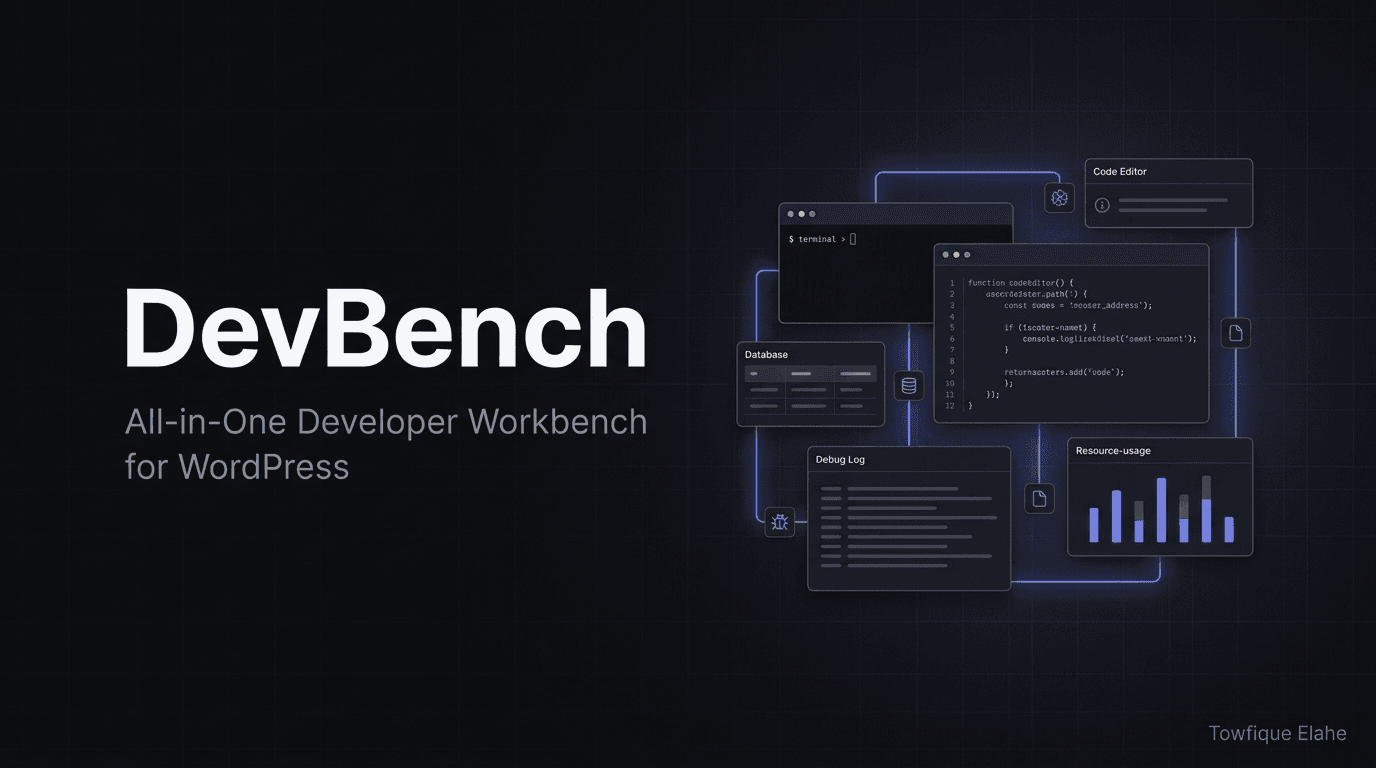
DevBench - All-in-One Developer Workbench for WordPress
A modern all-in-one developer workbench bringing debugging, file editing, database browsing, search, mail testing, and environment auditing into one clean, dark-mode-first admin interface—17+ tools, zero plugin bloat
A modern all-in-one developer workbench for WordPress that consolidates 17+ essential dev tools into a single clean, card-based admin interface. Includes a live dashboard, full-text file and database search with progress tracking, a debug manager that safely rewrites wp-config.php, a frequency-sorting log analyzer, a full-featured file manager with a code editor and session version control, a database manager with safe SQL execution, a PHP snippet runner, mail catcher, cron and transient managers, and a 20+ check environment auditor. Ships with a calm, neutral, dark-mode-first design system and a one-click light/dark toggle. Protected by capability checks, nonces, path-traversal blocking, and destructive-SQL guards. Requires WordPress 5.5+, PHP 7.4+.
Overview
DevBench is a modern, all-in-one developer workbench for WordPress. It brings the tools developers actually reach for during development—debugging, file editing, database browsing, search, mail testing, and environment auditing—into a single clean, card-based admin interface. With a calm, neutral design system that defaults to dark mode (with a one-click light/dark toggle), DevBench feels purpose-built for development work and eliminates the need for a dozen separate utility plugins.
The Problem
WordPress developers juggle a fragmented toolkit during development:
- Debugging requires manually editing
wp-config.phpand tailing log files over SSH - File editing means FTP clients or risky built-in editors with no version control
- Database inspection needs phpMyAdmin or external database tools
- Searching across files and database tables is slow and scattered across multiple tools
- Testing outgoing email risks sending real messages to real users
- Auditing environment health requires manual checks against best-practice checklists
- Each task means installing yet another single-purpose plugin, bloating the install
Developers need one cohesive, well-designed tool that consolidates the entire development workflow—without leaving the WordPress admin or compromising on safety.
Solution
DevBench consolidates 17+ essential developer tools into a single, unified admin interface with a consistent design system. From a live dashboard overview to a full-screen code editor with version control, every tool a developer needs sits one click away—all protected by capability checks, nonces, and path-traversal safeguards.
Core capabilities:
- Live dashboard — Information-dense overview of versions, resource usage, counts, and recent errors
- Search & Locator — Full-text file search and column-by-column database scanning with live progress
- Debug Manager — Toggle debug constants via switches that rewrite wp-config.php, plus live log viewer
- Log Analyzer — Groups multi-line errors with stack traces, counts occurrences, sorts by frequency
- File Manager — Browse, edit, create, rename, chmod, upload, and bulk-delete with a full code editor
- Database Manager — Browse tables, inspect structure, run safe SQL, export to .sql
- Snippet Runner — Execute PHP in full WordPress context with captured output
- Mail Catcher — Intercept all outgoing email for safe inspection
- Environment Checker — 20+ best-practice checks with pass/warn/fail scoring
- Dark-mode-first design — Calm, neutral palette with one-click theme toggle
How It Works
Developer Workflow
- Open DevBench — Launch from the WordPress admin menu
- Check the dashboard — Get an at-a-glance view of environment health, resource usage, and recent errors
- Enable debugging — Flip switches to toggle WP_DEBUG and related constants; DevBench safely rewrites wp-config.php
- Investigate errors — Use the Log Analyzer to see grouped errors sorted by frequency, fixing the loudest problems first
- Edit files — Jump into the full-screen code editor with line numbers, find, and version control
- Query the database — Browse tables, run SQL (destructive statements blocked), export data
- Test safely — Catch outgoing mail and run PHP snippets without affecting production data
- Audit before launch — Run the Environment Checker to verify best practices before going live
Key Features
Core Tools
- Dashboard — Live overview: WordPress/PHP/DB versions, disk and memory usage bars, plugin/post/user counts, caught-mail count, recent errors, environment table, and wp-config constants panel
- Search & Locator — Full-text search across installation files (with extension filters) or scan database tables column-by-column, with a live progress bar reporting parsing percentage. Every result links straight into the editor at the matching line
- Debug Manager — Toggle WP_DEBUG, WP_DEBUG_LOG, WP_DEBUG_DISPLAY, SCRIPT_DEBUG, and SAVEQUERIES with switches that rewrite wp-config.php, plus a live debug.log viewer with one-click copy
- Log Analyzer — Parses debug.log, treats each multi-line error (fatal + full stack trace) as a single grouped entry, counts occurrences, and sorts by frequency. Filter by type or keyword, copy any entry with its trace
- File Manager — Browse, edit, create, rename, chmod, upload (drag & drop), and bulk-delete files. Includes a chmod dialog with clickable permission reference and a full-screen code editor with line numbers, find, go-to-line, auto-indent, bracket matching, and session version control (snapshot / restore-and-save / line-by-line diff)
- Database Manager — Browse tables with pagination, inspect structure, run SQL (destructive statements blocked), and export any table to .sql
- Snippet Runner — Execute PHP in the full WordPress context with captured output, error reporting, and a library of handy presets
WordPress Management
- Options Manager — Search, edit, and delete wp_options entries, sorted by size to expose bloat
- Transients — Inspect transients, see active/expired/persistent status, and clear expired ones
- Cron Manager — View scheduled events, run them on demand, or unschedule them
- WP Config Editor — Add, edit, and delete constants in wp-config.php through a safe UI
- Plugins & Themes — Activate/deactivate plugins and switch themes from one screen
- Mail Catcher — Intercept all outgoing wp_mail() so nothing is actually sent; inspect subject, recipients, headers, and body
Utilities & Environment
- Quick Notes — A persistent scratchpad stored in your database, with pinning
- Environment Checker — 20+ best-practice checks across PHP, WordPress, security, the database, and extensions, with pass/warn/fail scoring and suggested fixes
- PHP Info — The full phpinfo() report in an isolated frame
- System Info — A complete technical overview of WordPress, PHP, the database, the theme, and the server
Design System
- Dark mode by default with one-click light/dark toggle in the sidebar
- Theme choice persisted per browser and applied before paint (no flash)
- Calm, neutral palette with a single soft-blue accent
- Flat, clean look—depth from borders only, no box shadows
- Fully themed form controls in both light and dark mode
- Consistent inline-SVG icon set throughout, with a distinct icon per page
Tool Categories
| Category | Tools |
|---|---|
| Core | Dashboard, Search & Locator, Debug Manager, Log Analyzer, File Manager, Database Manager, Snippet Runner |
| WordPress | Options Manager, Transients, Cron Manager, WP Config Editor, Plugins & Themes, Mail Catcher |
| Utilities & Environment | Quick Notes, Environment Checker, PHP Info, System Info |
Use Cases
- Plugin/theme development — Debug, edit, and test code in one place without leaving WordPress
- Site debugging — Quickly enable debugging, analyze grouped errors, and fix the most frequent issues first
- Database inspection — Browse and query tables without phpMyAdmin or external tools
- Email testing — Safely test transactional emails without sending to real recipients
- Pre-launch audits — Run environment checks to verify security and best practices before going live
- Staging environments — Consolidate developer tooling on staging sites
- Troubleshooting client sites — Diagnose issues fast with a unified toolkit
- Performance investigation — Find bloated options, expired transients, and runaway cron events
Technical Specifications
- WordPress minimum: 5.5
- PHP minimum: 7.4
- Required capability: manage_options (administrator)
- Architecture: Unified AJAX architecture, class-based includes (Admin, Database, Debug, Files, Helpers, Search, Tools)
- Total tools: 17+ across Core, WordPress, Utilities, and Environment groups
- Code editor: Full-screen with line numbers, find, go-to-line, auto-indent, bracket matching, session version control
- Design: Dark-mode-first, neutral palette, border-based depth, inline-SVG icons
- License: GPL-2.0+
- Version: 1.1.0
Security
DevBench is a powerful tool intended for development and staging environments. It is built with safety guardrails throughout:
- Capability checks — All actions require the manage_options capability
- Nonce protection — Every action is protected by WordPress nonces
- Path traversal blocked — File operations are confined within ABSPATH
- Destructive SQL blocked — DROP DATABASE, DROP TABLE, and TRUNCATE are blocked in the SQL runner
- Upload whitelist — File uploads are limited to a whitelist of safe extensions
- Production caution — Recommended for development/staging; avoid leaving active on production
Installation & Setup
Step 1: Install Plugin
- Download the plugin ZIP from GitHub
- Go to WordPress admin → Plugins → Add New → Upload Plugin
- Choose the ZIP and click "Install Now", then "Activate"
- Alternatively, extract the devbench folder into wp-content/plugins/
Step 2: Open DevBench
- Open DevBench from the admin menu
- Review the dashboard overview
- Toggle light/dark mode to your preference
Step 3: Start Developing
- Enable debugging via the Debug Manager
- Use the File Manager and code editor for edits
- Browse and query data in the Database Manager
- Run the Environment Checker to audit your setup
Advanced Features
- Session version control — Snapshot files, restore-and-save, and view line-by-line diffs in the editor
- Batched scanning — Search processes files/tables in batches with a real progress bar, avoiding request timeouts on large installs
- Grouped error analysis — Multi-line errors and stack traces are grouped as single entries and ranked by frequency
- Auto-save on restore — Restoring a version from history writes it to disk automatically
- Cross-platform paths — File paths normalized to forward slashes for correct display on Windows
- PCRE-hardened parsing — Log parsing protected against very long lines (backtrack-limit safety)
Why Choose DevBench
| Feature | DevBench | Separate plugins | External tools |
|---|---|---|---|
| All-in-one toolkit | ✓ 17+ tools unified | ✗ One per plugin | ✗ Scattered |
| Consistent design | ✓ Single system | ✗ Mismatched UIs | Varies |
| Dark mode | ✓ Default | Rare | Varies |
| Code editor + version control | ✓ Built-in | Rare | Requires IDE |
| Stays in WordPress admin | ✓ Yes | Partial | ✗ Context switch |
| Safety guardrails | ✓ Nonces, path/SQL blocks | Varies | Manual |
| Cost | Free | Often premium | Varies |
Best Practices
- Use on development/staging — DevBench is powerful; avoid leaving it active on production sites
- Snapshot before editing — Use the editor's version control to snapshot files before major changes
- Fix loudest errors first — Let the Log Analyzer's frequency sorting guide your debugging priorities
- Audit before launch — Run the Environment Checker and resolve warnings/failures before going live
- Disable debug after use — Turn off debug constants when you're done to avoid exposing logs
- Watch for bloat — Use Options Manager and Transients to keep the database lean
Plugin Highlights
Consolidated Toolkit
- 17+ developer tools in a single plugin
- No need to install a dozen single-purpose utilities
- Everything one click away in the admin
Thoughtful Design
- Dark-mode-first, calm neutral palette
- Flat, border-based depth for a clean look
- Consistent SVG iconography across every page
Safe by Design
- Capability checks and nonces on every action
- Path traversal and destructive SQL blocked
- Upload whitelist for safe file handling
Repository Information
- Repository: github.com/towfique-elahe/devbench
- License: GPL-2.0+
- Current version: 1.1.0
- Author: Towfique Elahe
- Author website: https://towfiqueelahe.com
- Status: Production-ready, actively maintained
What Users Say
- "DevBench replaced six different plugins I used to install on every dev site. Having everything in one clean interface is a huge time-saver." — WordPress Developer
- "The Log Analyzer alone is worth it. Grouping errors by frequency means I always know what to fix first." — Plugin Author
- "Dark mode by default, a real code editor with version control, and a Mail Catcher—this is built by someone who actually develops in WordPress." — Freelance Developer
- "The Environment Checker caught three security issues before we launched. Indispensable for pre-launch audits." — Agency Lead
Getting Started
- Download and install DevBench in WordPress
- Activate and open it from the admin menu
- Review the dashboard for an environment overview
- Toggle dark/light mode to your preference
- Enable debugging and start working through your dev tasks
- Run the Environment Checker before launch
- Deactivate on production when done
Roadmap & Future Development
- Additional snippet presets library
- Multi-file search-and-replace
- Scheduled environment health reports
- Export/import of DevBench settings and notes
- Role-based access for team development
- Query profiling and slow-query insights
- REST API endpoint explorer
- Git integration for file version control