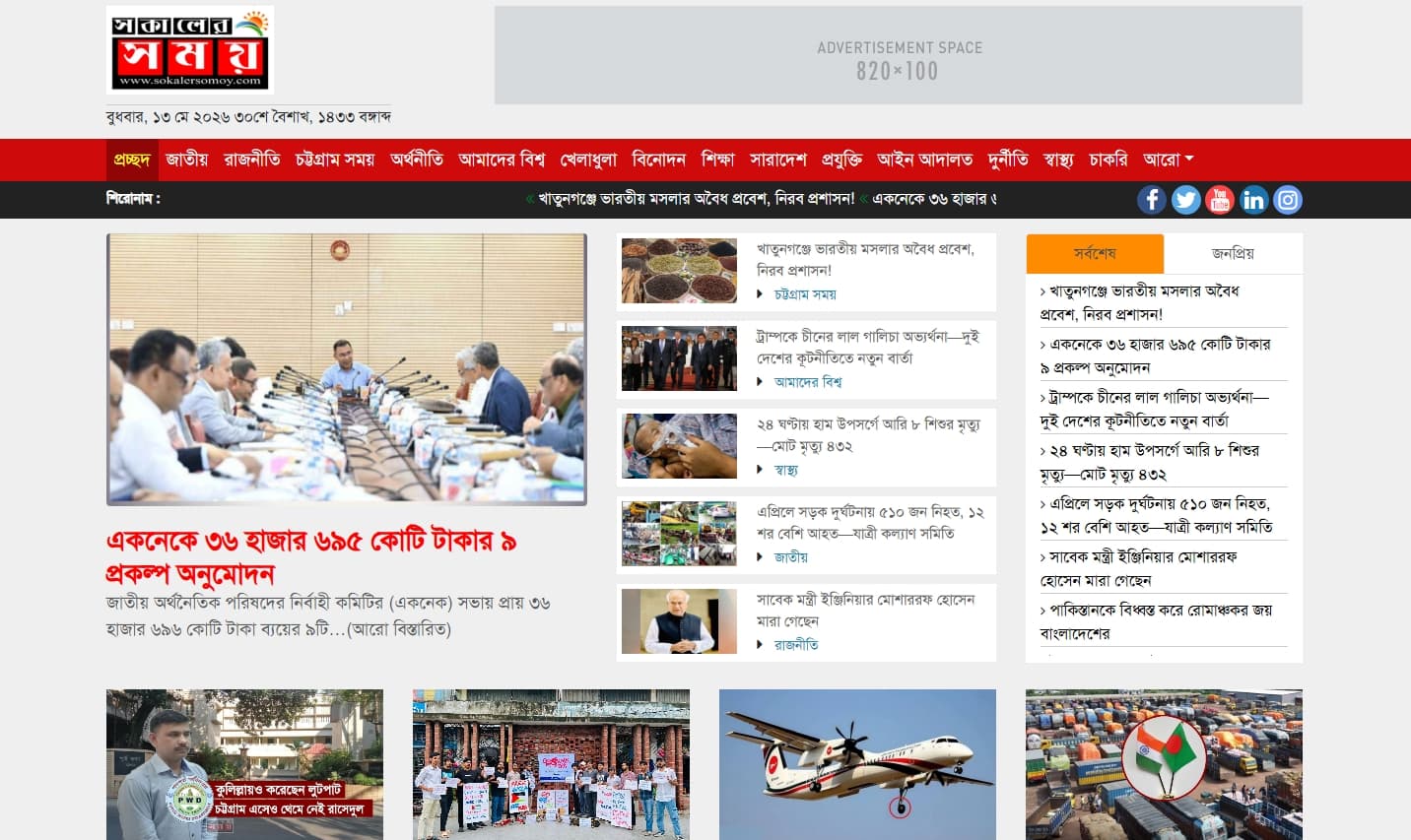
A server-side fix for SokalerSomoy, a Bengali news portal returning a 403 Access Denied error. The issue was diagnosed and resolved through cPanel to restore full public access to the website.
SokalerSomoy — 403 Access Denied Server Fix
Overview
SokalerSomoy is a Bengali-language online news portal that had become completely inaccessible to visitors due to a 403 Access Denied error being returned by the server. The project involved diagnosing the root cause of the access restriction and resolving it through cPanel to restore the site to full public availability.
The Issue
The website was returning a 403 Access Denied error — meaning the server was actively blocking access to the site's resources rather than serving the website normally. This type of issue can stem from several causes including incorrect file permissions, a misconfigured .htaccess file, IP or directory access restrictions set at the server level, or hosting provider-side security rules.
Resolution Process
Diagnosis
The server environment was accessed via cPanel to investigate the root cause of the 403 error. File permissions, .htaccess configuration, and server-level access rules were reviewed to identify what was blocking public access to the site's resources.
Fix & Restoration
The identified issue was resolved through the appropriate cPanel configuration changes — correcting the access restriction and restoring normal server responses. The site was verified to be publicly accessible and functioning correctly following the fix.
Key Features
- 403 Error Diagnosis — Root cause identified through cPanel server environment review
- Server Configuration Fix — Access restriction resolved at the server/hosting level
- Site Restoration — Full public access to the website restored and verified
Result
SokalerSomoy was restored to full public accessibility — the 403 Access Denied error was diagnosed and resolved through cPanel, bringing the Bengali news portal back online without any content or data loss.