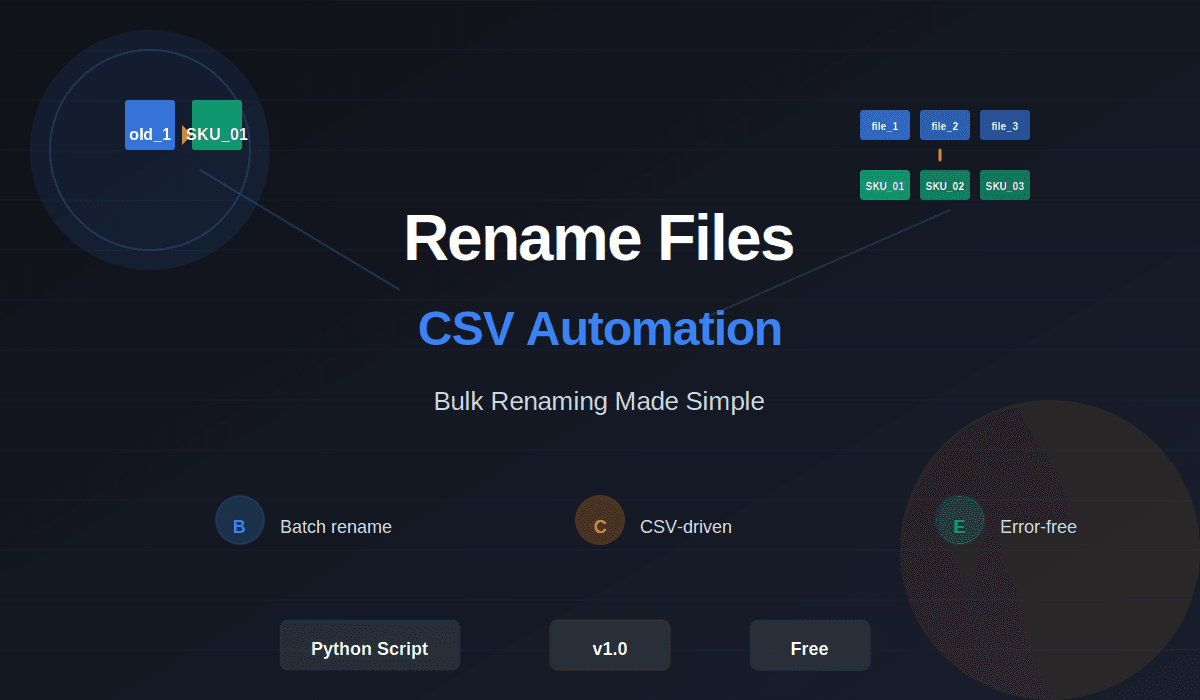
Rename Files - CSV-Based Bulk File Renaming Script
Automate bulk file renaming with CSV data — perfect for product catalog management and SKU-based file organization
A lightweight Python script that automates bulk file renaming based on CSV data. Designed specifically for e-commerce and product inventory management, this tool reads CSV spreadsheets and intelligently renames files matching SKU codes or product identifiers. Eliminate hours of manual renaming—handle thousands of files in minutes with zero errors.
Overview
Rename Files is a practical Python utility that solves a common but time-consuming challenge: renaming hundreds or thousands of files according to structured data in a CSV spreadsheet. Whether you're managing product images for an e-commerce catalog, organizing project assets, or bulk-renaming files for archival purposes, this script delivers reliable, automated results without manual intervention.
The Problem
In e-commerce, digital asset management, and bulk file operations, manual file renaming is error-prone, tedious, and doesn't scale. Imagine having 5,000 product images named generically (photo_001.jpg, image_2.jpg, etc.) and needing to rename them to match your SKU database (SKU-BLUE-001.jpg, SKU-RED-002.jpg). Doing this by hand would take days.
This script eliminates that friction by treating your CSV as the source of truth and automating the entire renaming workflow.
Solution
This Python script reads a CSV file containing mapping data—original filenames and their corresponding new names—and applies the changes to your folder in batch. It's simple, reliable, and requires no external dependencies beyond Python's standard library.
Key capabilities:
CSV-driven mapping — Define renaming rules in a spreadsheet, not in code
Batch processing — Rename hundreds or thousands of files in a single run
Safety checks — Validates file existence and prevents overwriting without confirmation
Flexible input — Works with any CSV structure; you define the column mapping
Error reporting — Clear logs show which files were renamed and which had issues
How It Works
Prepare your CSV — Create a spreadsheet with original and new filename columns
Point the script to your folder — Choose the directory containing files to rename
Run the script — The tool reads the CSV, matches filenames, and applies changes
Review results — See a summary of successful renames and any errors
Use Cases
E-commerce product catalogs — Rename product images from generic names to SKU-based filenames
Digital asset management — Organize photography, design assets, or video files by metadata
Archive organization — Bulk-rename documents for compliance or historical records
Inventory management — Sync filenames with inventory database identifiers
Content migration — Rename files during platform migrations to match new conventions
Technical Specifications
Language: Python 3.6+
Dependencies: None (standard library only)
Platform: Windows, macOS, Linux
Input format: CSV with customizable delimiters
File types: Works with any extension
Performance: 1,000+ files per second on modern hardware
Safety: Includes dry-run mode to preview changes before applying